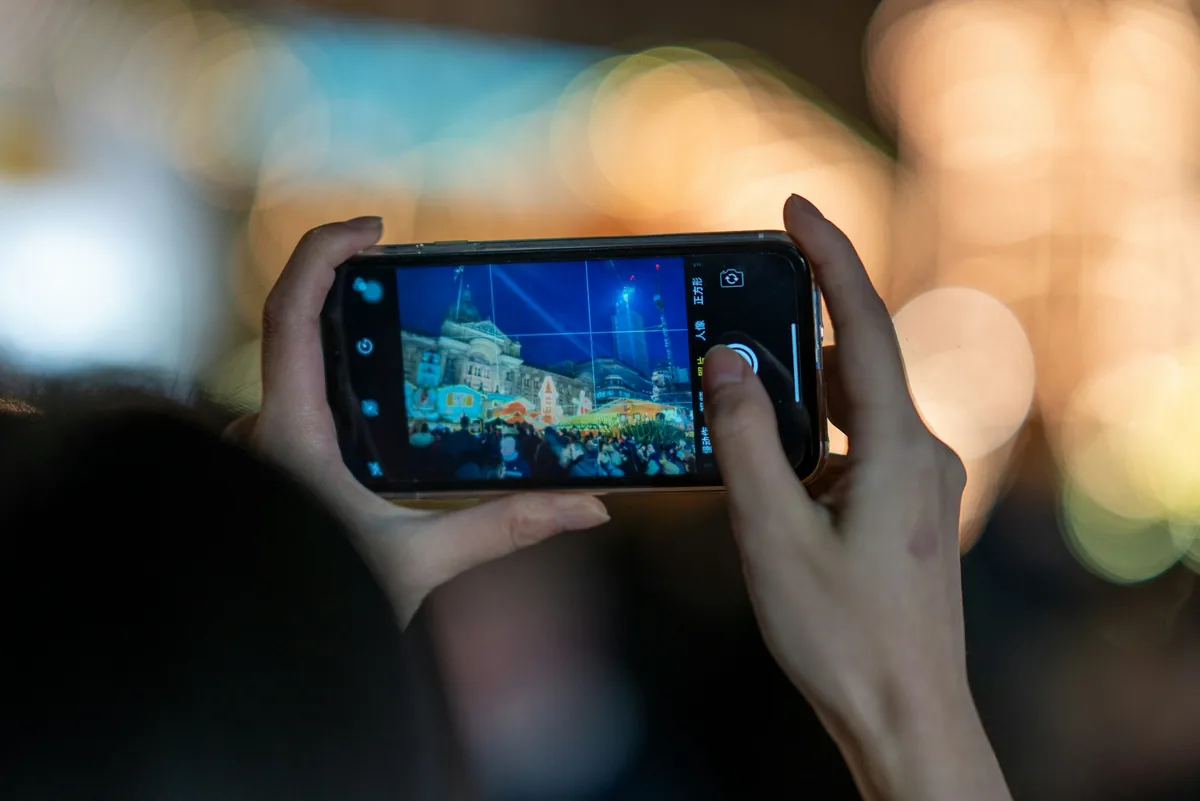
Take a photo of someone blowing out birthday candles and it feels like you caught that moment. You didn't. Your phone grabbed a stack of frames, some of them from before you touched the shutter, then a processor decided which pixels from which frame made the best-looking picture. Your phone already fakes your photos, and it starts long before any editing app gets involved. The useful question isn't whether that's happening. It's where the line sits between processing you'd shrug at and processing that should stop you trusting an image.
Your Phone Already Fakes Your Photos, and It Starts Before You Press the Shutter
The camera app on your phone is not really a camera. It is a sensor bolted to a rendering engine, and the rendering engine has opinions. From the second you open the app, it is capturing frames into a buffer. When you tap the shutter, it already has several images to work with, and it fuses them into one file that never existed as a single exposure.
It goes further than stacking. Modern pipelines segment the scene and treat parts of it differently: skies get their own colour handling, skin gets smoothed and relit, foliage and fabric get sharpened for texture, and faces get priority for focus and exposure. Two objects sitting side by side in your living room can receive completely different processing because the software classified them differently. Nothing in that is dishonest. It is also nothing like a single, uniform recording of light.
The Moon Test That Ended the Argument
Most of the time your phone is recovering detail that was genuinely there. Sometimes it supplies detail that wasn't. That distinction stopped being theoretical in March 2023, when a Reddit user posted a test that spread across every tech site within days.
The setup was clean. They took a photo of the moon, blurred it until the craters were gone, displayed the blurry version on a monitor, then photographed the monitor from across a dark room with a Galaxy S23 Ultra at high zoom. The phone returned a crisp, detailed moon. In a follow-up test, a grey patch pasted over part of the fake moon came back filled with lunar texture. Samsung's response was that its scene optimiser recognises the moon, captures multiple frames, and applies AI detail enhancement, and that it does not overlay a stored image.
If detail turns up in a photo that was never in front of the lens, arguing about the mechanism is beside the point.
Samsung's head of customer experience later argued in a 2024 interview that there is no such thing as a real picture anyway, since sensors and algorithms always sit between you and the scene. He has a point, and it is also the kind of point that makes verification work harder. Once "the camera improved it" and "the camera invented it" produce the same file, you need something better than eyeballing the result.
Three Levels of Fake, and Only One of Them Is a Lie
The word "fake" is doing too much work in this conversation, so here is the split I use when someone sends me a photo and asks whether it is real. Three levels, and they carry very different weight.
Level one is capture processing. Frame stacking, noise reduction, tone mapping, sharpening, lens correction, face relighting. Every pixel traces back to light that actually hit the sensor during that second or so. The photo is heavily rendered, but nothing was added.
Level two is non-generative compositing. Real pixels, taken from different moments, assembled into one image. Panorama stitching lives here. So does Google's Best Take, which swaps a face from one frame in a burst into another, and Add Me, which drops the photographer into a group shot they were never standing in.
Level three is generative editing. Magic Editor, Magic Eraser, Apple's Clean Up, Samsung's Generative Edit. A model invents pixels to fill a gap or change the scene. Nothing there came from the sensor.
Only level three is fabrication in the way most people mean it. Level two is the one that quietly fools everyone, because the output looks like an ordinary snapshot and nobody thinks to ask whether the moment shown ever happened. A group photo where all four faces are real, but no two of them were made in the same second, is a picture of an event that did not occur.
The Group Photo Where No Two Faces Come From the Same Second
Best Take arrived on the Pixel 8 in late 2023 and it is a good example of how ordinary this has become. Someone blinked, so you tap their face and pick a better expression from another frame in the burst. It saves the photo. It also produces an image of a moment that never happened, and the file looks entirely normal.
The strangest public example came from the UK comedian Tessa Coates, who posted a wedding dress photo in late 2023 showing her standing between two mirrors with three different arm positions across the three versions of herself. It went viral as a glitch in reality. The best explanation, which several people reproduced, is frame stitching: the shot came out of a mode that assembles a sweep of frames into one image, and the software had no idea the reflections were the same person, so it happily took each one from a different instant.
Nothing about that photo was edited. No filter, no eraser, no generative anything. It still shows something impossible, and it came straight off the phone. That is worth sitting with for a second, because it means "unedited" and "accurate" have quietly stopped being the same claim.
What Your Phone Quietly Writes Into the File
Here is the part almost nobody checks: your phone often tells you what it did. The information is sitting in the file's metadata, in fields the average person has never opened.
Google Photos shows an AI info section listing Credit and Digital source type. Edits made with Magic Editor, Magic Eraser or Zoom Enhance are labelled as edited using generative AI. Best Take and Add Me get labelled as a composite of captured elements, which is exactly the level-two distinction from earlier. The IPTC standard behind these labels has even added a value for multi-frame computational capture sampled from real life, which is a formal way of admitting that ordinary phone photos are stacks. Apple writes "Modified with Clean Up" into the Credit field when its eraser is used, and Samsung labels Galaxy AI edits and attaches content credentials to them.
The catch is fragility. Upload that photo to most social platforms and the metadata is stripped on the way in. Screenshot it and everything is gone. Forward it through a messaging app and it depends entirely on the app. So a label is strong evidence that something happened, while the absence of a label is evidence of almost nothing. I checked a batch of my own recent photos for these fields and the results were about what you'd expect: Out of 20 photos I checked, only six still carried useful editing or provenance information; the rest had either minimal metadata or nothing that clearly revealed how the image had been processed.
If you want to see it on your own files, run one through our free analyser and read the metadata panel before you look at anything else. It takes seconds and it reframes the whole question.
Why This Breaks Error Level Analysis, and What Still Works
Error Level Analysis on a phone photo will light up like a fairground even when nothing has been edited, and this trips up more people than any other part of image forensics. ELA works by resaving a JPEG and mapping where the compression error differs. Phone processing already creates exactly that kind of unevenness: sharpened edges, smoothed skin, denoised shadows, per-region treatment, and a final save that compresses all of it together.
A phone photo that looks "edited" under Error Level Analysis usually just looks like a phone photo.
So read it comparatively, not absolutely. You are not looking for bright areas. You are looking for one region whose error level breaks the pattern of everything around it: a face that is uniformly flat while every other face in the frame has texture, a rectangle of sky that behaves differently to the sky beside it, an object with edge energy that no other object shares. Then cross-check against things generative fills still struggle with: noise texture that stops at a boundary, shadows that point the wrong way, reflections that disagree with the scene, text and small hardware details that dissolve on close inspection.
Getting a baseline matters more than any single technique. Photograph something boring on your own phone, run it through ELA untouched, and learn what your device's normal looks like. Every model has a signature.
How to Check a Phone Photo in About Two Minutes
Order of operations does most of the work here. Start with the strongest signal and move down, because if the first check answers the question you can stop.
Provenance first. Look for C2PA content credentials. The Pixel 10 line signs every photo taken with its camera app, and Samsung attaches credentials to AI-edited images. A valid credential tells you what device made the file and what happened to it afterwards, backed by a cryptographic signature rather than a promise.
Metadata second. Check digital source type, the Credit field, the software field, and whether EXIF exists at all. Camera make and model with no editing software listed is a good sign. A stripped file tells you the image has been through a platform, not that someone is lying.
Pixels third. ELA, noise consistency, lighting direction, edge behaviour, reflections, hands, text.
Context last. Reverse image search it. If an older copy exists somewhere, that copy is usually the more interesting file.
What to Change if You Need Photos That Hold Up
If a photo might ever need to prove something, whether that's damage for an insurance claim, an item you're selling, or a workplace incident, a few habits make a large difference. Most of them cost you nothing.
Shoot RAW where your phone offers it, through ProRAW on iPhone or Expert RAW on Samsung, since far fewer decisions get baked in. Turn off scene optimisation for anything evidential. Keep the file that came off the device rather than a version that has been through a chat app, and transfer it by a method that preserves metadata. Skip the AI cleanup entirely on those images, even for something harmless like removing a bin from the frame, because one labelled generative edit is enough to make a reasonable person question the whole file.
And if you are buying a phone and this matters to you, provenance support is now a real spec. A device that signs every capture at the camera level gives you something to point at later. A device that only labels its AI edits leaves your ordinary photos with no record at all.
Questions People Ask About Phone Photo Processing
Does this mean phone photos can't be used as evidence?
Can I turn the AI processing off completely?
If the metadata says AI was used, is the photo fake?
Is a screenshot good enough to analyse?
Wrapping Up
None of this means your photos are lies. It means the word "photo" now covers a wider range of things than it did when the file format was invented, and that verification has to start with what the file says about itself rather than with how the picture looks.
Do one thing before you close this tab. Take a photo of whatever is in front of you right now, straight off your phone, and run it through the analyser on this site. Look at the metadata panel and the error level view together. Once you know what an untouched image from your own device looks like, the next suspicious photo that lands in your feed has something to be measured against, and that comparison is where most real answers come from.