AI Image Detection
Identifies forensic artifacts commonly left by AI image generators, including Midjourney, DALL-E, Stable Diffusion, FLUX, and other generative models.
Analysing image…
Expose manipulated and AI-generated images in seconds with a four-layer forensic pipeline: AI detection, metadata analysis, Error Level Analysis and watermark scanning.
A complete forensic toolkit: free, private, and fast enough for everyday fact-checking.
Identifies forensic artifacts commonly left by AI image generators, including Midjourney, DALL-E, Stable Diffusion, FLUX, and other generative models.
Extracts EXIF metadata, embedded headers, software signatures, timestamps, GPS information, and other available metadata for forensic analysis.
Performs Error Level Analysis by recompressing images to reveal localized compression inconsistencies that may indicate image manipulation.
Every uploaded image is analyzed entirely in memory and is never permanently stored on the server, ensuring maximum privacy.
Upload an image instantly without creating an account, subscribing, or providing personal information.
Optimized processing delivers forensic results within seconds for a smooth user experience.
Supports the most common image formats (JPG, PNG, BMP, TIFF, and WebP) without requiring any preprocessing.
Provides easy-to-understand forensic reports highlighting potential manipulation indicators and authenticity signals.
Every image passes through independent forensic layers that each look for different traces of manipulation.
Layer 01
Uses deep-learning classifiers to identify spatial frequency patterns and synthetic artifacts commonly found in AI-generated imagery.
Layer 02
Examines EXIF metadata, software identifiers, compression history, and editing footprints.
Layer 03
Highlights localized compression inconsistencies and pixel-level modifications through Error Level Analysis.
Layer 04
Detects supported invisible AI watermarks, steganographic markers, and embedded authenticity signals where available.
Stay ahead of evolving AI image generation techniques, digital forensics, and image authenticity detection.
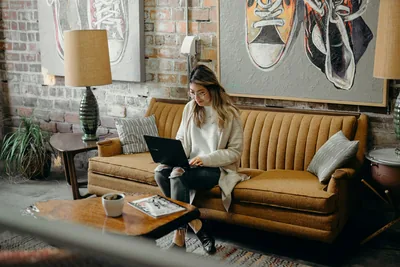
You do not need to become a professional fact-checker to get better at spotting misleading images. This three-minute daily routine teaches you what to check first, which tools are worth using, and when an image deserves a closer look.
Read article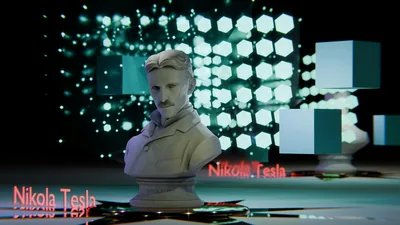
You upload a 3D product render to an AI detector and it comes back "96% AI generated." That single mismatch explains everything wrong with how these tools get used. Here's what detectors actually measure, why CGI trips them constantly, why a Photoshopped photo often sails right through, and the layered method that does separate a render from an edit from a generation.
Read article
Weird fingers, broken teeth, and obviously distorted faces used to make fake images easy to spot. In 2026, many of those classic deepfake tells are fading, while subtler clues in physics, consistency, provenance, and file structure are becoming far more useful.
Read article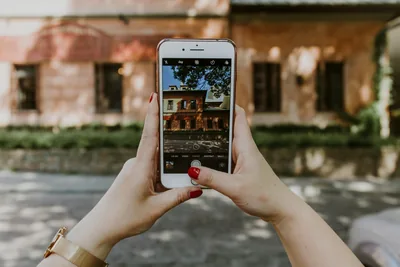
AI images now get labelled automatically. Your real photos don't, which means the burden of proof has quietly shifted onto you. This guide walks through three ways to sign your own photos, from camera-level Content Credentials to a free timestamp method that works with any phone you already own.
Read article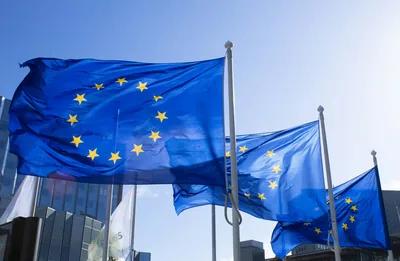
The EU's AI labeling rules stopped being a plan on August 2, 2026, and they reach any business whose AI-generated images are seen by people in Europe. This guide breaks down the four duties in Article 50, the deadlines that are not August 2, what the rules mean outside the EU, and the uncomfortable part most coverage skips: a missing label tells you nothing about whether an image is real.
Read article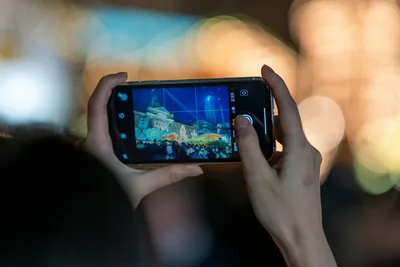
Every photo your phone takes is a composite built from several frames, reshaped by software that decides what your face, the sky and the shadows should look like. This guide breaks down the three levels of phone "faking", what your camera writes into the file about it, and why untouched phone photos can look suspicious under forensic tools when nothing was edited at all.
Read articleQuick answers about privacy, usage, and accuracy.
No. Your image is analysed entirely in memory, is never written to disk, and is discarded the moment your results are generated. We do not keep, share, or reuse uploaded images for any purpose, and they are never used to train our models.
Drag your image into the upload box at the top of this page, or click browse to choose a file, then press Scan Now. The analysis runs immediately and shows your original image beside its ELA map, the metadata verdict, and any AI watermark or provenance flags.
JPG, PNG, BMP, TIFF, and WebP images up to 10 MB. Formats such as HEIC or AVIF are not supported yet, so convert those to JPG or PNG first. Whenever possible, scan the most original file you have, since every conversion is itself an edit.
Four independent layers: AI detection with machine-learning classifiers, metadata analysis of the file's EXIF data, Error Level Analysis of its compression history, and watermark and provenance detection including C2PA Content Credentials. Each looks for a different kind of evidence, so together they are far more reliable than any single technique.
Automated image forensics is probabilistic. Combining four independent layers makes results considerably more reliable than any single technique, but both false positives and false negatives happen. Treat results as strong signals to inform your own judgement, not conclusive proof.